Either
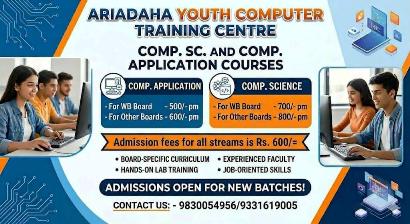
1. COMPUTER TUITION
TEXT BOOK- The textbook is thoroughly taught & fully explained.
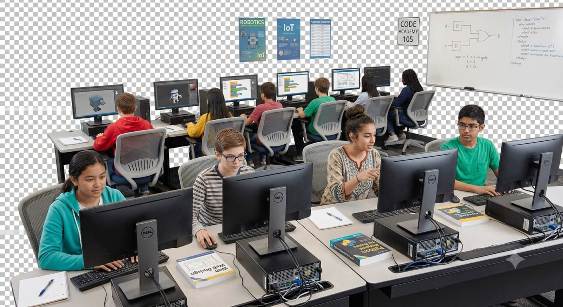
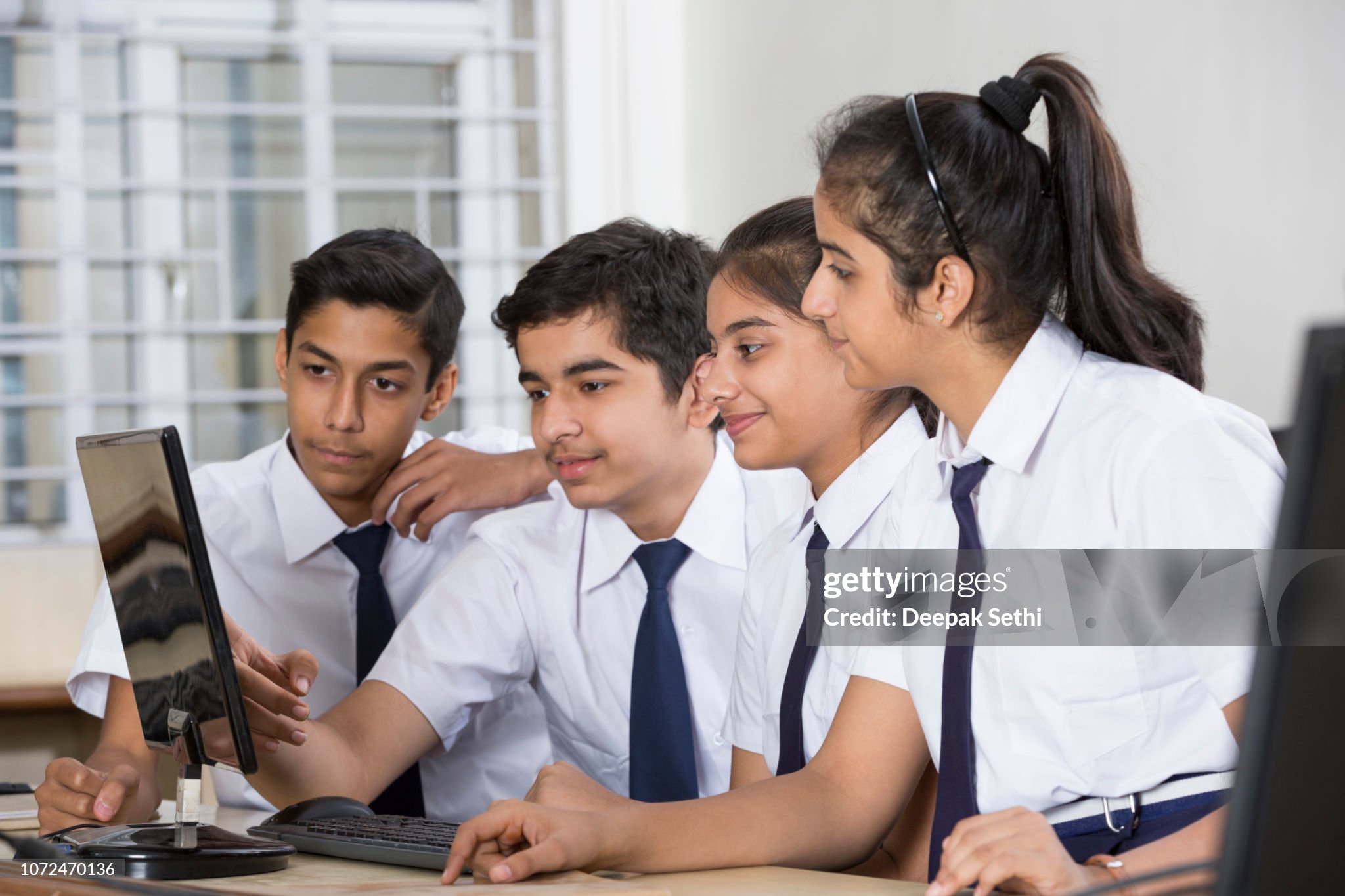
PRACTICAL- Sufficient computer time allotted for each student, Friendly atmosphere & taught With great Care.
Timing: 2 Days in a week
OR
First 6 Months: Core Skills Development
-
Review of Computer Basics
-
Quick recap of computer components and operating systems
-
Overview of the different types of software (application, system software)
-
Understanding file extensions (.docx, .jpg, .pdf, etc.)
-
File Management and Organization
-
Advanced file management techniques: organizing files, creating shortcuts
-
Understanding and managing file storage: local drives, cloud storage
-
Activity: Setting up a personal folder structure for organizing class materials
-
Word Processing (Advanced Formatting)
-
Advanced text formatting: font styles, colors, paragraph spacing
-
Working with tables and columns in MS Word (or Google Docs)
-
Adding headers, footers, page numbers
-
Practical: Creating a formatted, multi-page document
-
Working with Images and Graphics
-
Inserting, resizing, and positioning images in documents
-
Basic image editing (cropping, rotating, adjusting brightness)
-
Using online image resources and understanding copyright
-
Practical: Creating a flyer or poster with images and text
-
Introduction to Spreadsheets
-
Spreadsheet basics: understanding cells, rows, columns, and data entry
-
Introduction to basic formulas (SUM, AVERAGE) and cell referencing
-
Simple data organization and formatting cells (colors, borders)
-
Activity: Creating a spreadsheet to record personal or class data
-
Presentation Skills (Using MS PowerPoint or Google Slides)
-
Introduction to creating slides and slide layouts
-
Adding text, images, and basic transitions between slides
-
Planning a presentation structure: introduction, body, conclusion
-
Practical: Creating a presentation on “My Hobbies” or “My Favorite Book”
-
Internet Research Skills
-
Safe and effective internet searching: using keywords, evaluating sources
-
Introduction to online resources for learning and research
-
Practical: Researching a topic (e.g., a famous person) and summarizing findings in a document
Second 6 Months: Advanced Applications and Projects
-
Advanced Presentation Skills
-
Advanced slide elements: inserting videos, audio, and hyperlinks
-
Using animations and transitions to enhance presentations
-
Tips for presenting confidently to an audience
-
Practical: Creating a multimedia presentation on an educational topic
-
Intermediate Spreadsheet Skills
-
Using more formulas (MIN, MAX, COUNT) and creating simple charts
-
Sorting and filtering data, basic conditional formatting
-
Introduction to data visualization (pie charts, bar graphs)
-
Practical: Creating a monthly budget spreadsheet or survey results chart
-
Basic Coding with Scratch
-
Review of Scratch programming environment
-
Introduction to variables, conditions, and loops
-
Creating an interactive game or animation in Scratch
-
Practical: Making a simple game (e.g., a character maze or quiz)
-
Cyber Safety and Digital Citizenship
-
Importance of online privacy, safe sharing of information
-
Understanding cyberbullying, respecting others’ content, and avoiding plagiarism
-
Practical: Group discussion and role-playing activities on digital citizenship
-
Introduction to Multimedia Editing
-
Basic introduction to audio and video editing tools
-
Simple tasks: cutting, adding music, and merging clips
-
Practical: Creating a short video with images and background music